







How it works
1
Invitation
A user sends an invitation to another individual to connect inside the Mlite platform.
2
Explicit Consent
The invited person must actively confirm participation and grant location-sharing permission. Without confirmation and system-level permissions, no location data is accessible.
3
Real-Time Sharing
Once consent is granted, users may view each other's location in real time through the application interface. Location sharing can be disabled at any time by either party.
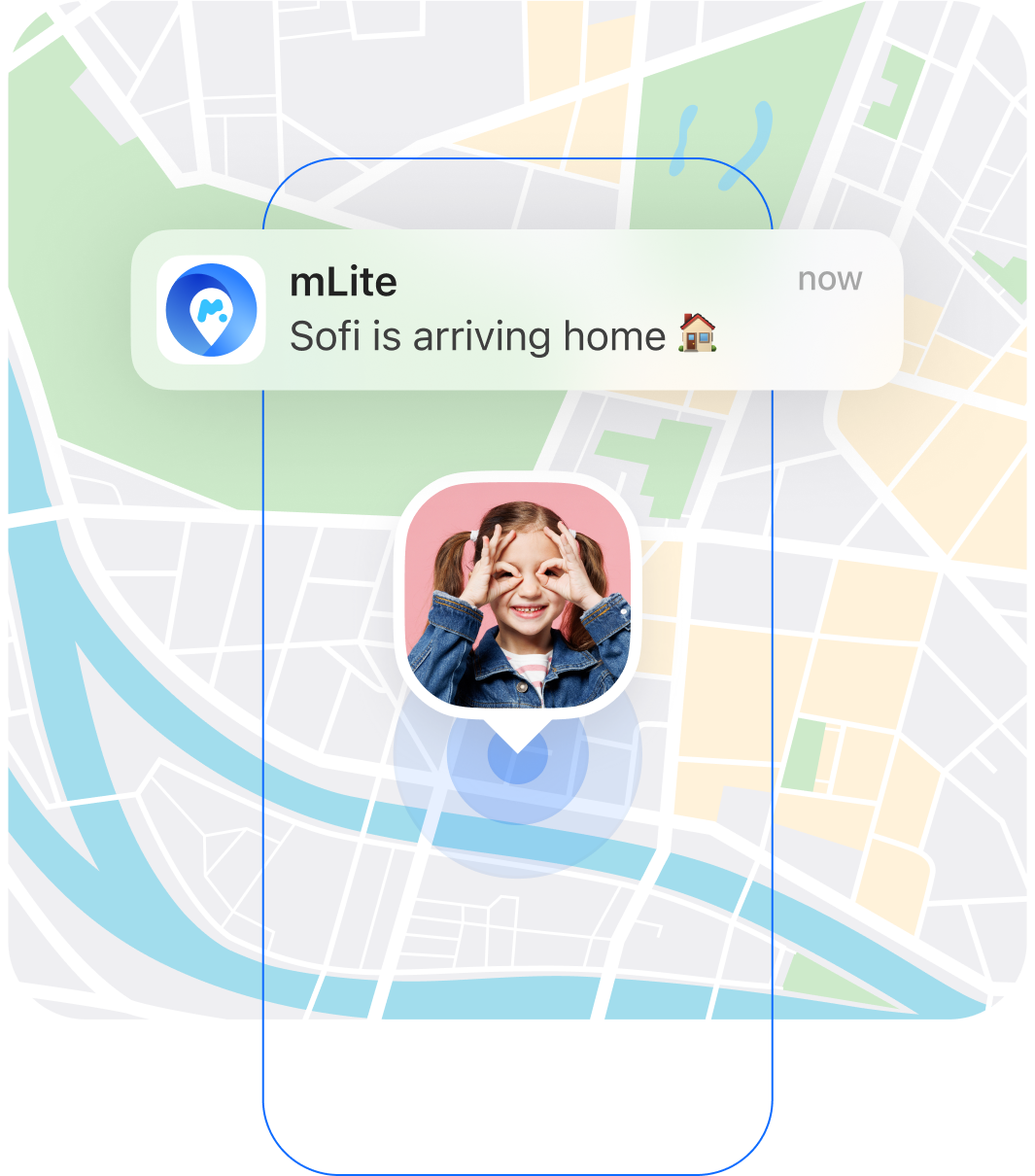
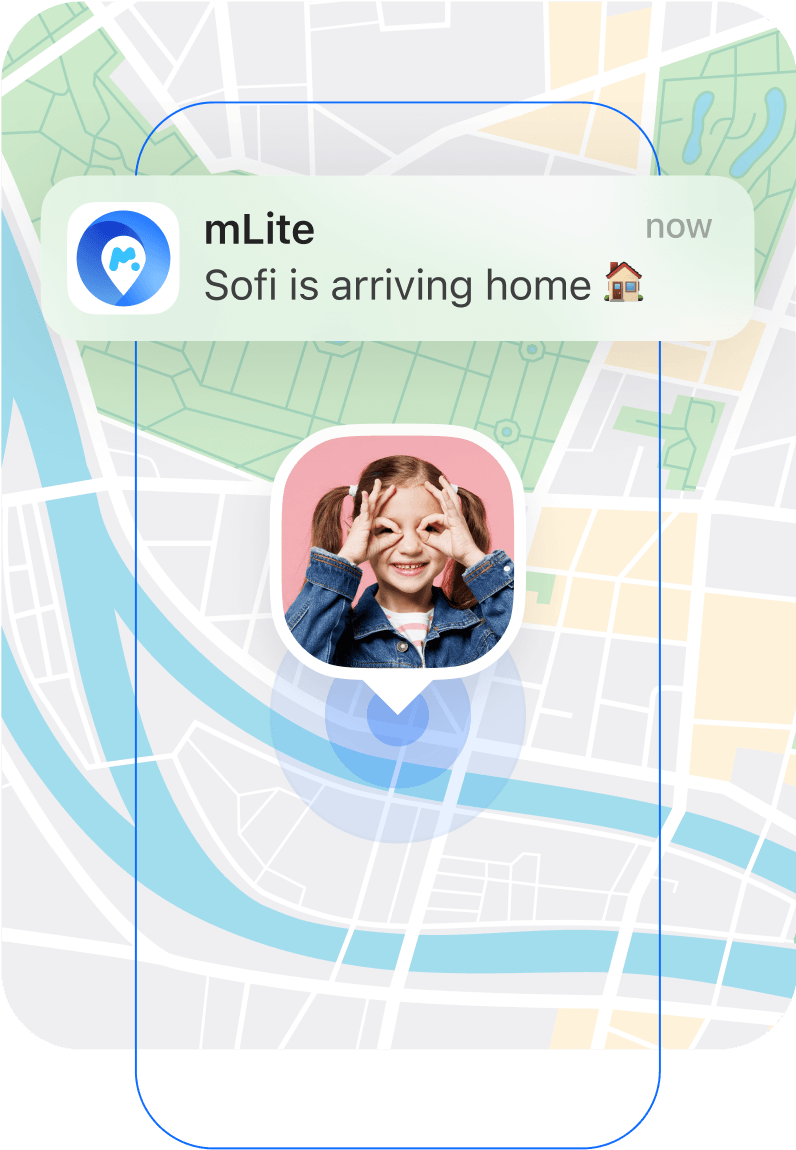
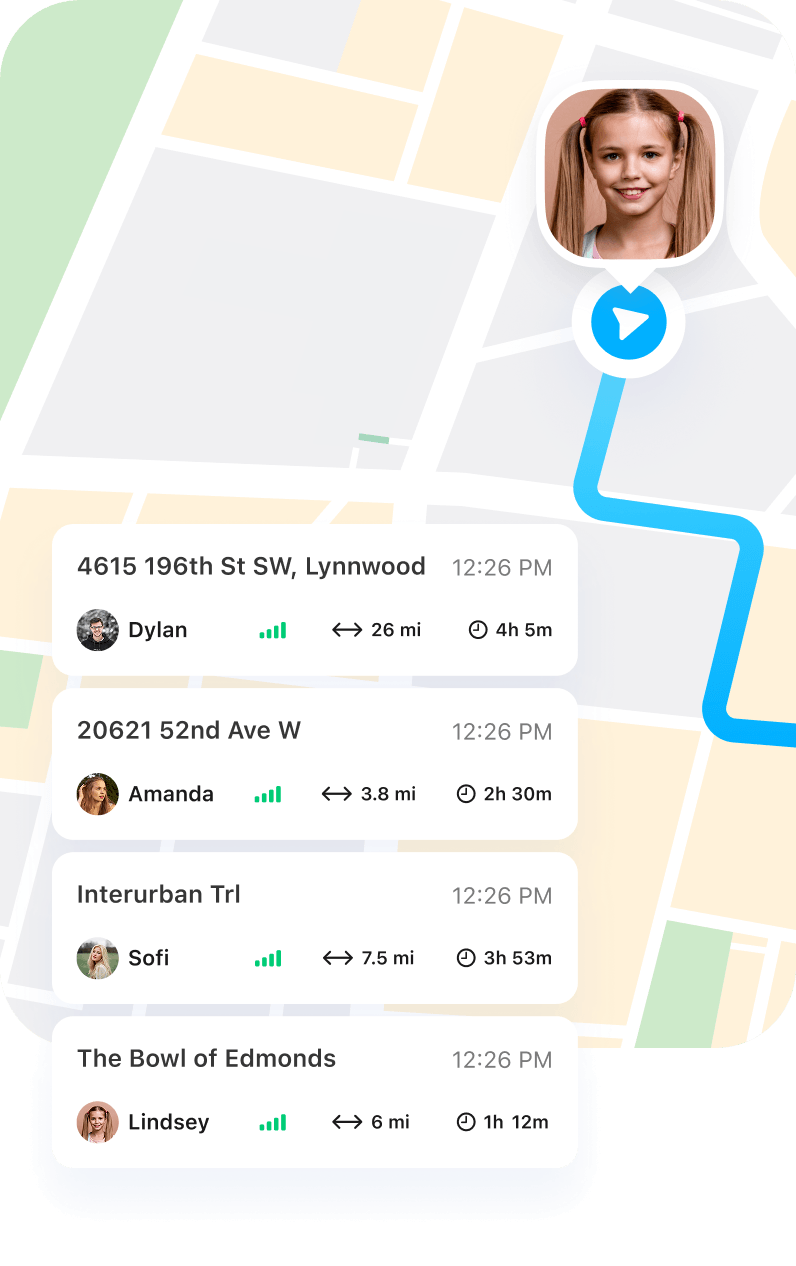
Location History
With an active subscription, users may access limited historical location data of connected members.
Get mLite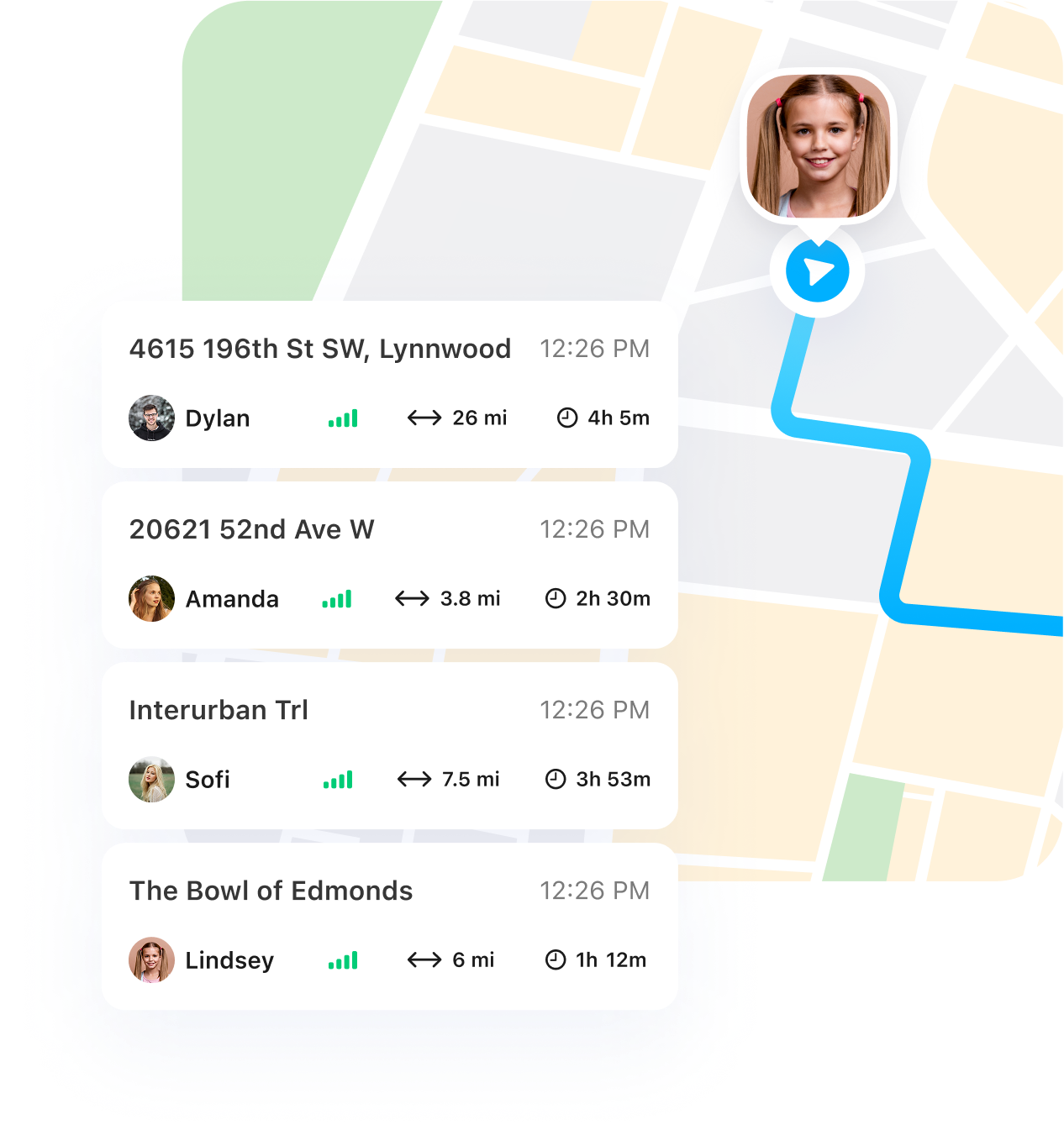
Emergency Contact Alerts
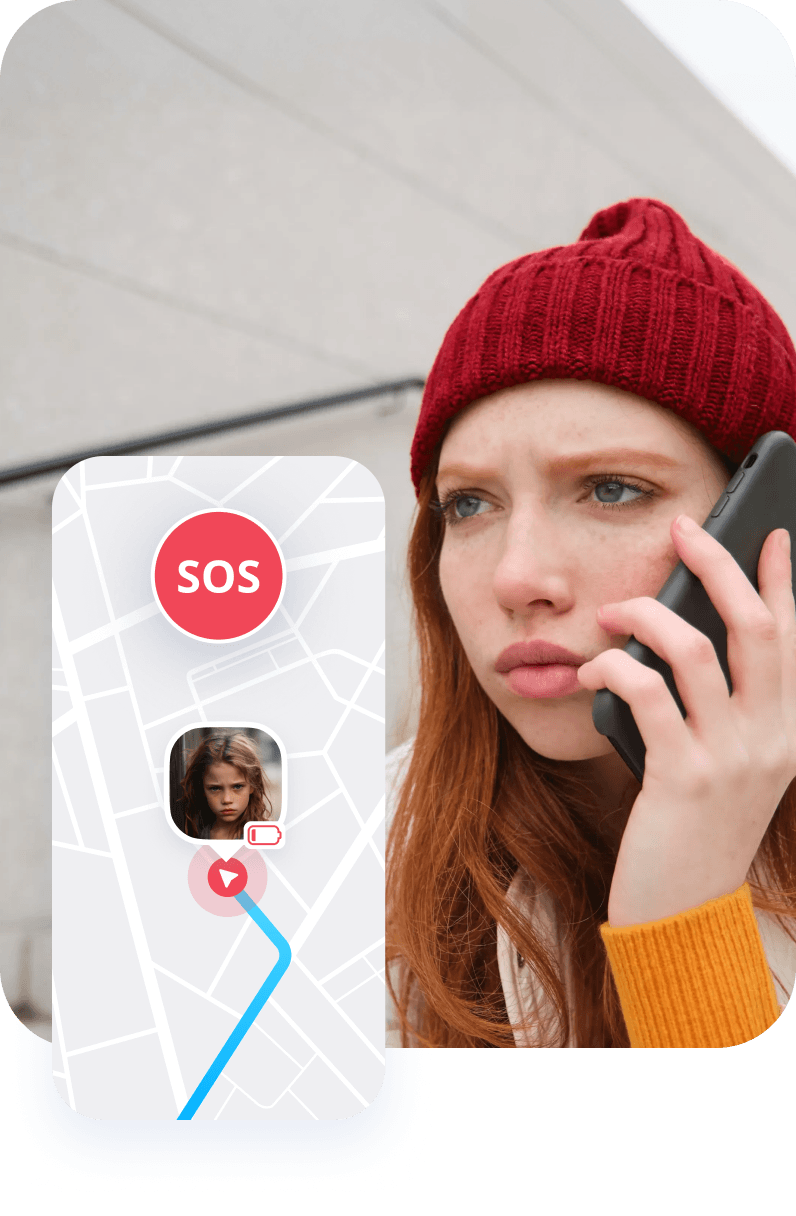
Users may configure emergency contacts to receive notifications in predefined situations.
Get mLite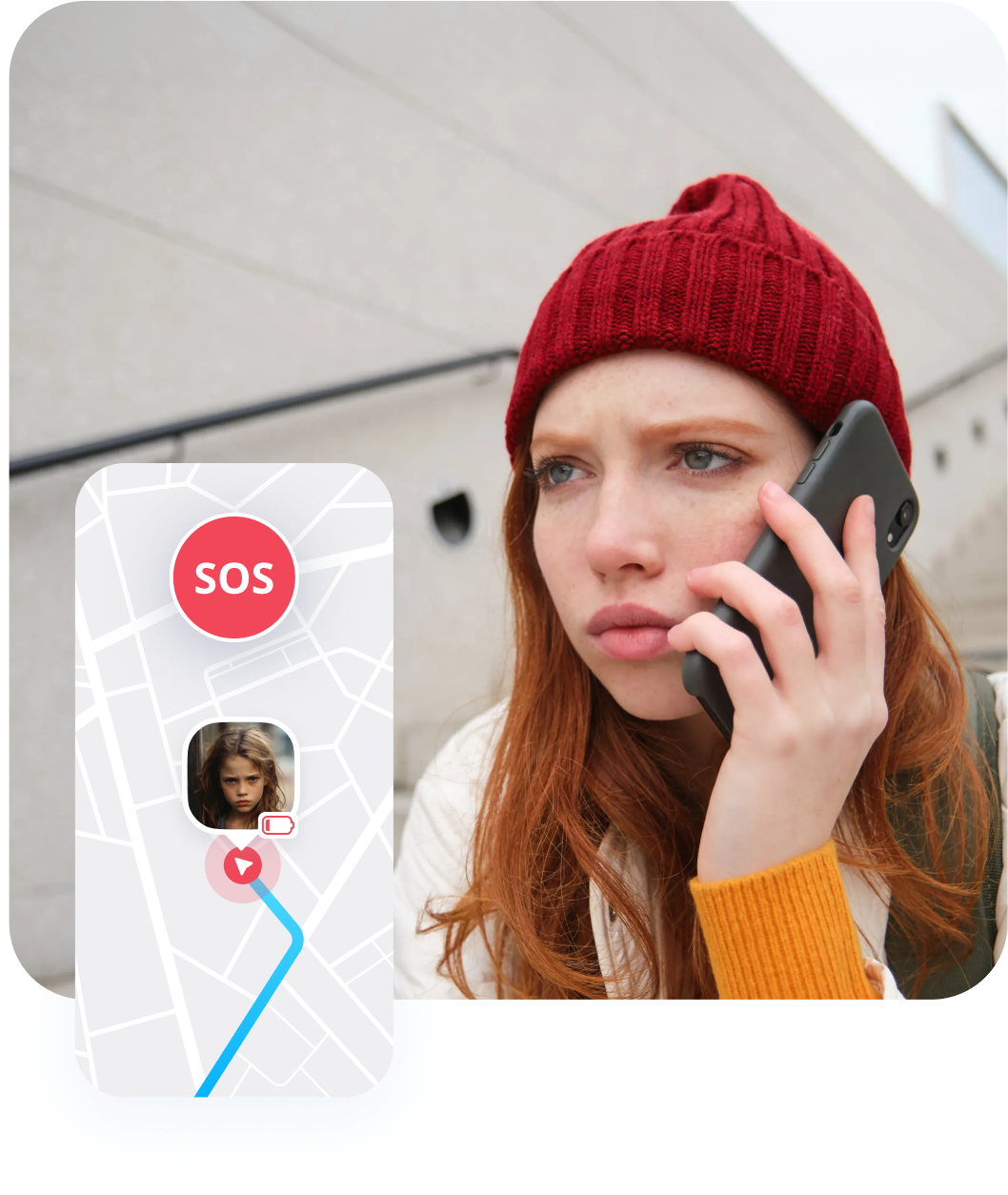
Data Protection
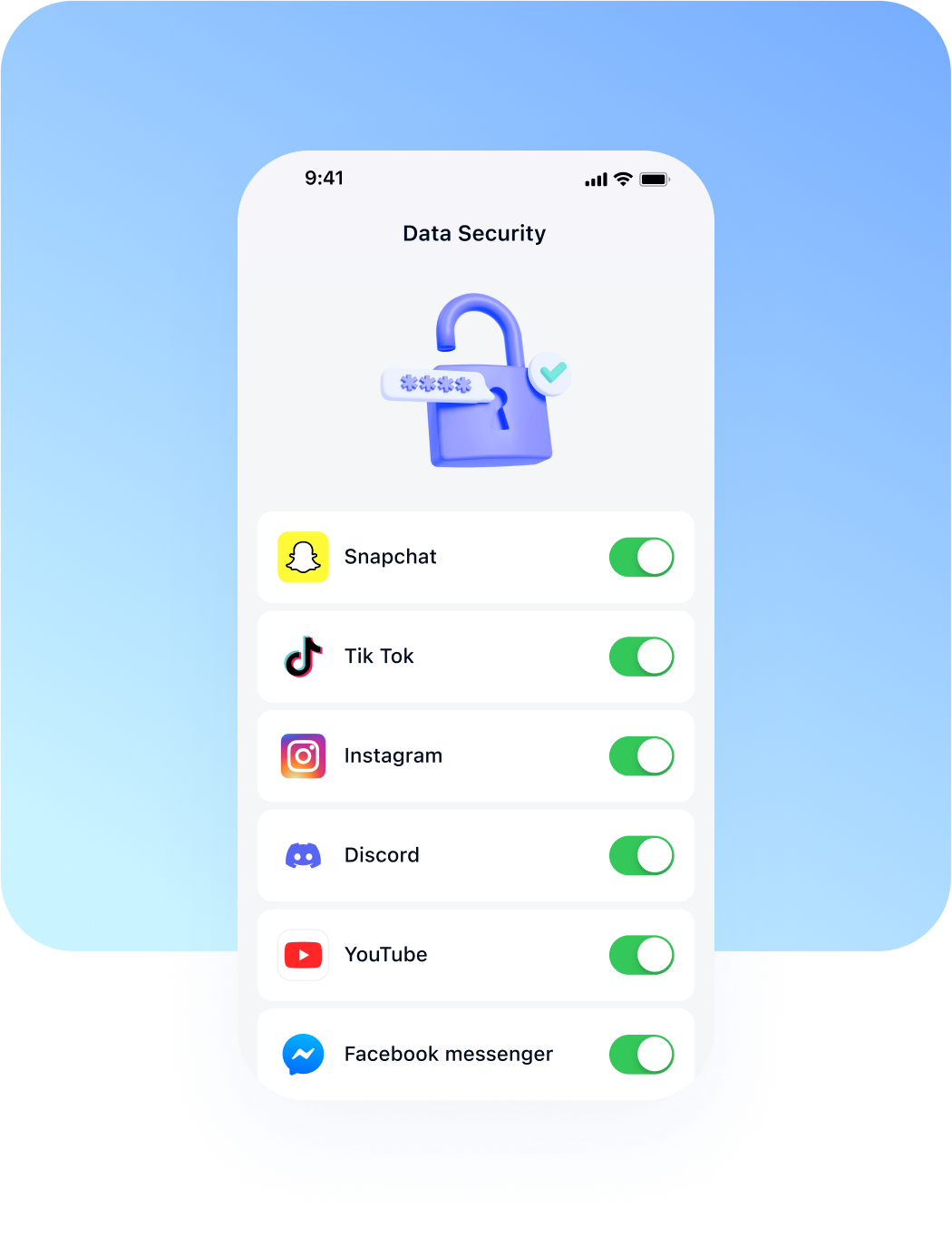
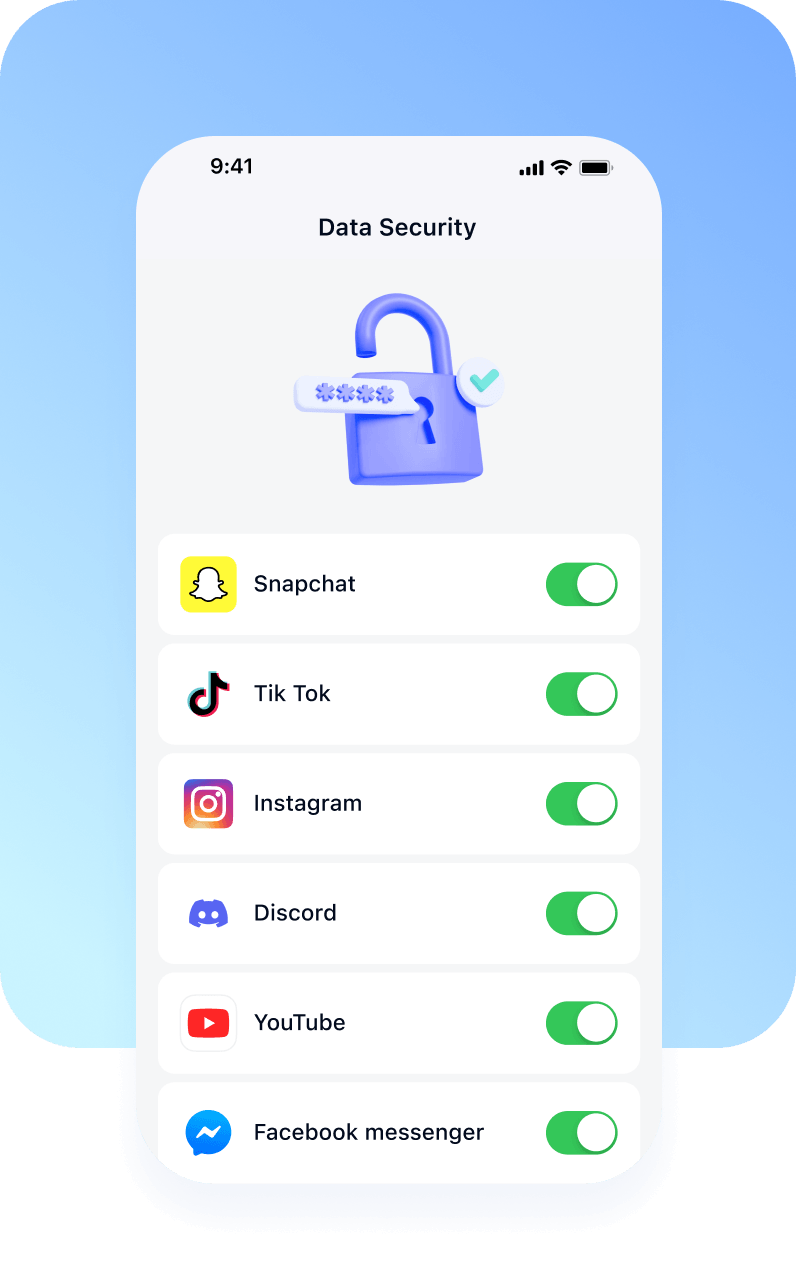
Mlite processes personal data strictly for the purpose of providing the service.
- Collect only data necessary for service functionality
- Encrypt location data in transit
- Store data for a limited and defined retention period
- Provide users with access, correction, and deletion rights
Download mLite
Works on both Android Phones and iPhones

